What Good Reservation System Onboarding Looks Like
Most reservation systems hand you a login and a help centre. For a restaurant, that is where adoption fails. Six things to expect from onboarding, and what to ask before you sign.
 Yulia RahayuClient Manager, Revasi
Insights9 min readPublished on October 19, 2026

Most reservation systems are chosen on features and lost on onboarding. For a restaurant, the difference between a system that sticks and one that gets abandoned in the first month is rarely the software. Here is what good onboarding looks like, and how to test for it before you sign.
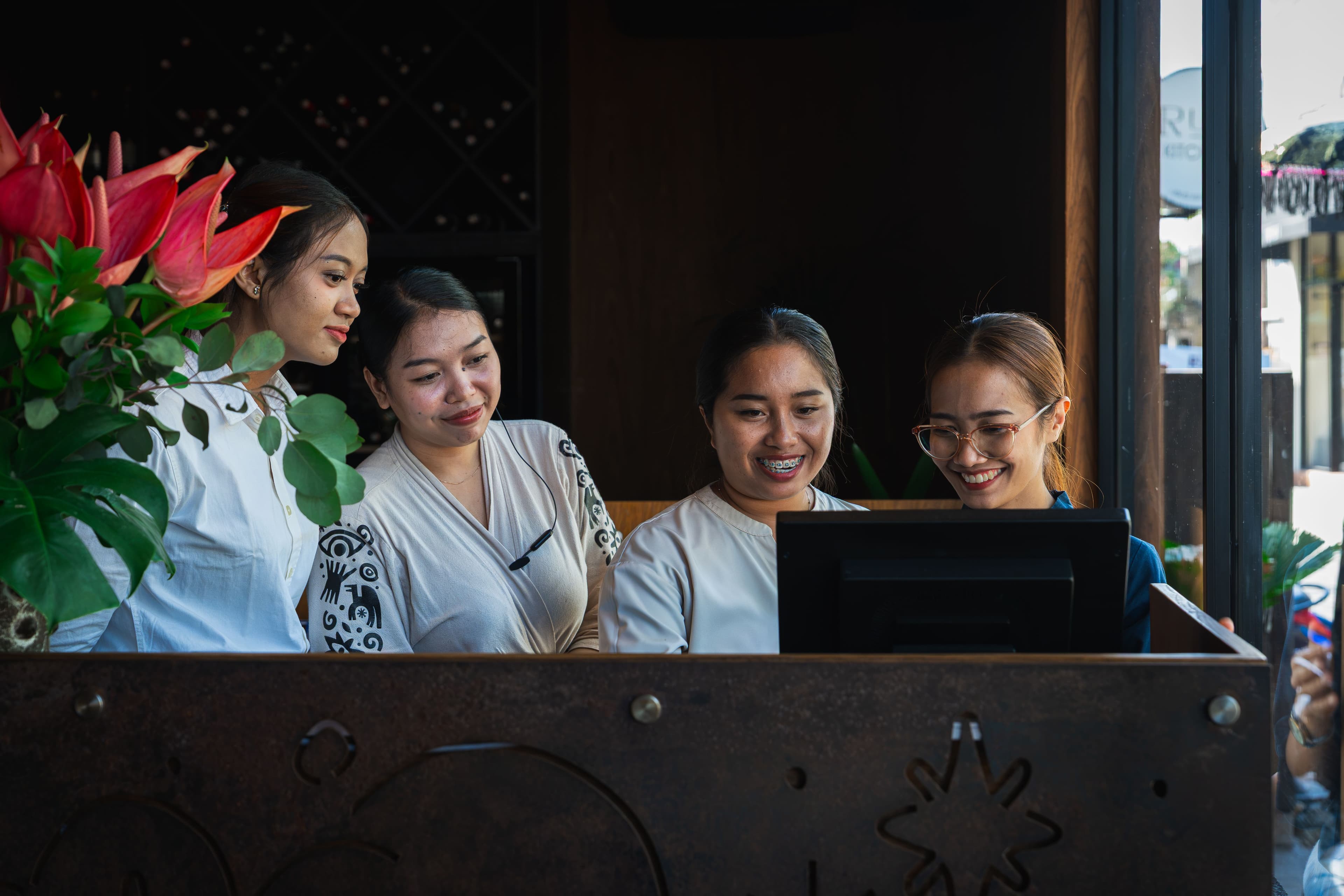
A venue goes live on a new reservation system on a Thursday. Nobody from the vendor is in the building. There is a login, a help centre, and a scheduled call for the following week.
Friday night, the room is full. A host cannot find the setting that stops a table being double-seated. A server takes a booking with a shellfish allergy and types it into a free-text box nobody has told the kitchen to check. The manager, who watched the training video once, is now the only person in the building who knows where anything is.
None of that is a software failure. Every one of those settings existed and worked. It is an onboarding failure, and it is among the most common reasons a venue concludes within a month that a system is not for them.
Why Onboarding Decides Whether a System Sticks
Software onboarding is generally designed for people at desks. A call, a shared screen, a recording to watch later. That works when the user is one person, sitting still, learning at their own pace.
A restaurant is none of those things.
The buyer is not the user. The owner signs the contract. The hosts, servers and floor managers use the system, standing up, at the busiest moment of the week. A demo delivered to one person in an office does not reach the people who will decide whether it works.
Nobody has an uninterrupted hour. Not in one block, not during service, and not in the two days before a weekend. Training that assumes sustained attention gets abandoned halfway through.
Every venue runs service differently. Where walk-ins go, how you pace a Friday, which tables you hold back, who answers the phone. A default configuration is a guess at all of it, and a wrong guess creates work rather than removing it.
Mistakes surface in front of guests. A misconfigured floor plan does not generate a bug report. It generates a double-booked table on a Saturday night, which the venue absorbs and the vendor never hears about.
Turnover is constant. Hospitality teams change. A system that only one trained person understands is one resignation away from being unused.
For venues across Bali and the wider region, add one more layer. A dining room where most guests arrive from somewhere else brings a wider spread of dietary requirements, languages and expectations than a neighbourhood restaurant serving regulars. The configuration has more to carry, which makes getting it right at the start worth more, not less.
The Six Marks of Good Onboarding
Evaluate any vendor against these, independent of their marketing.
1. It happens where service happens
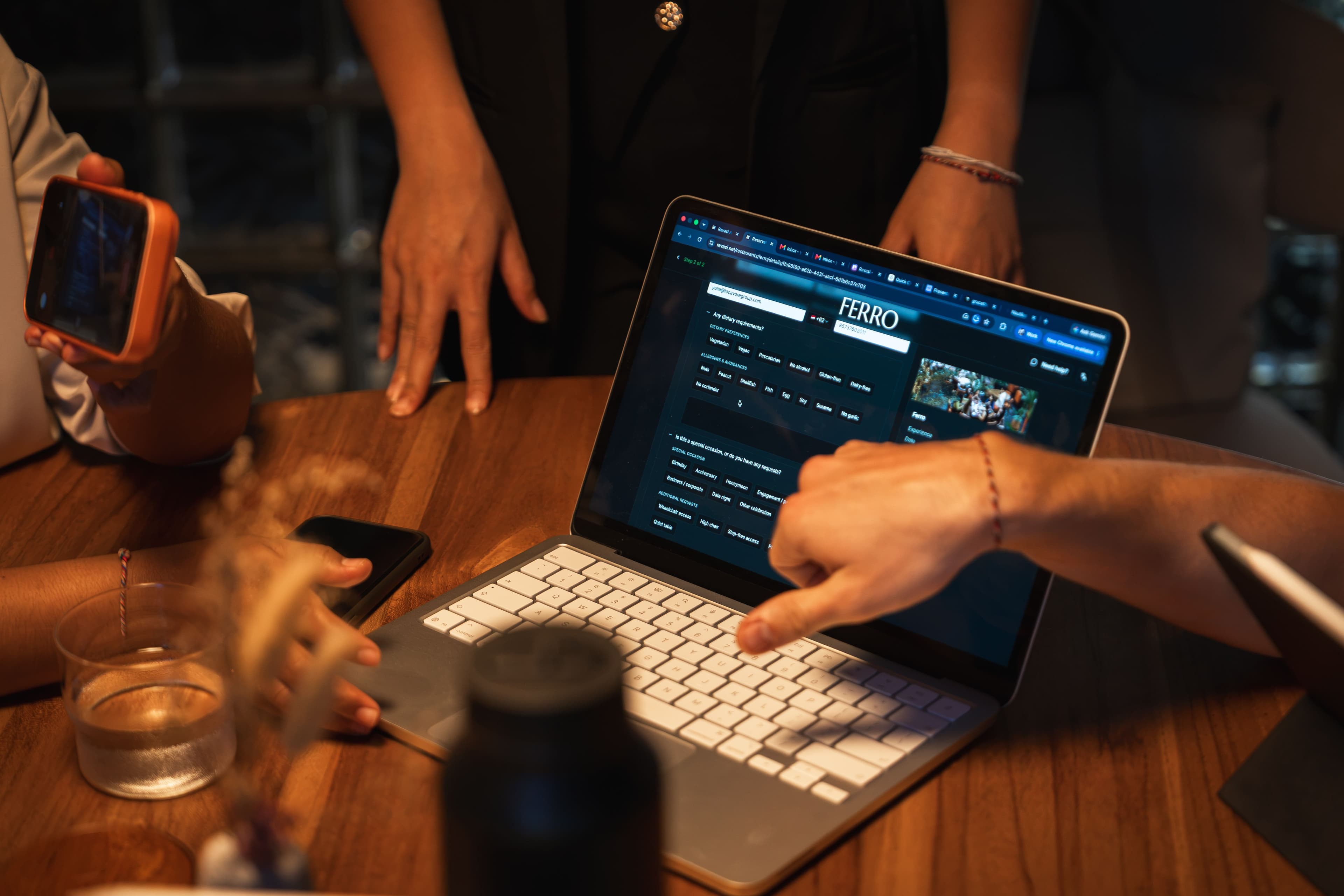
Configuration decisions depend on knowledge that lives on the floor: which two tables combine for a six, which corner is unusable when it rains, which section a walk-in should always take. Nobody can extract that reliably over a video call, because the person who knows it does not know it is worth mentioning.
Ask whether onboarding takes place at your venue or on a screen. If remote, ask how the vendor gathers what they cannot see.
2. It reaches the whole team, not the person who signed
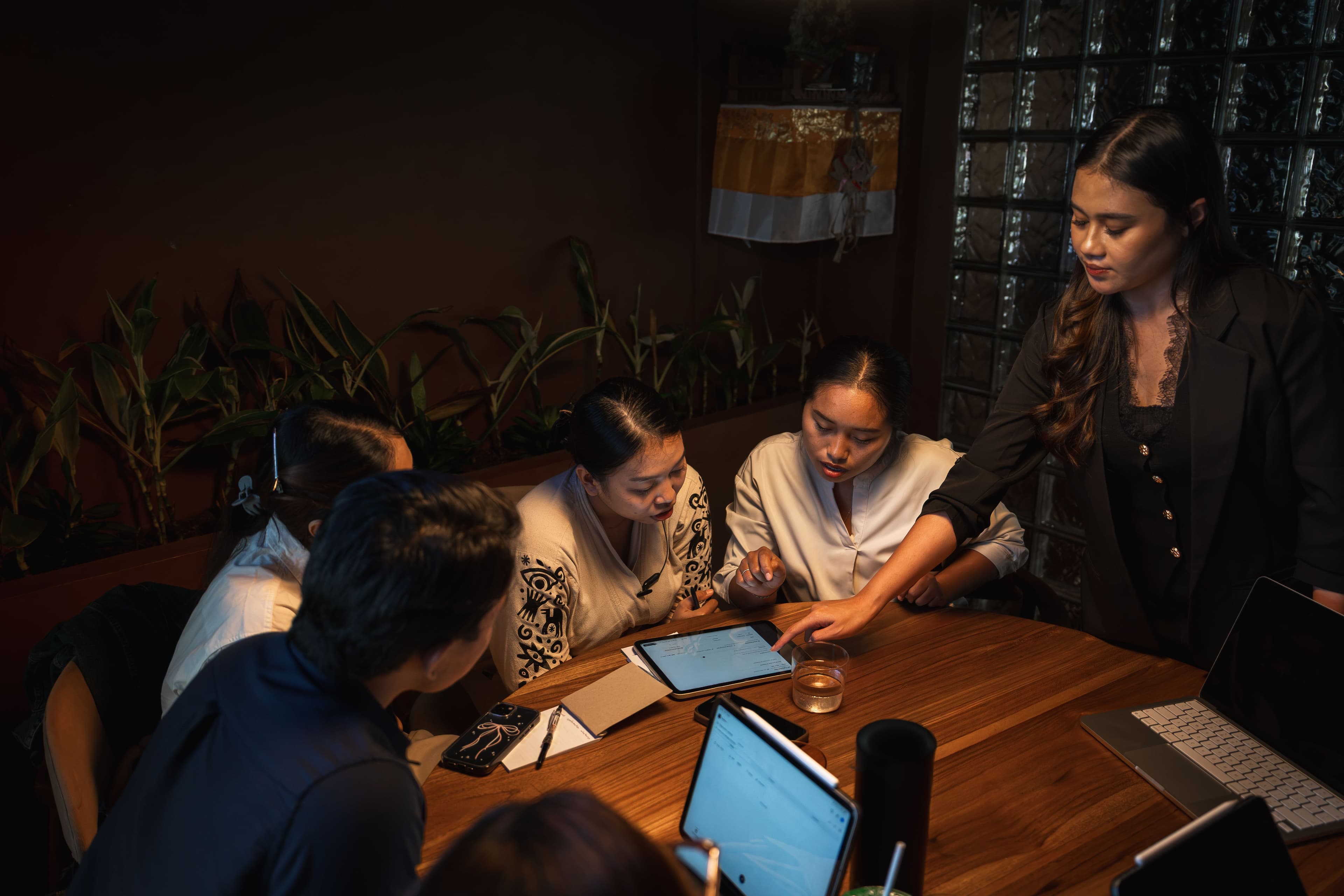
The measure of adoption is whether a server on their second shift can take a booking correctly, not whether the owner enjoyed the demo.
The team is also wider than front of house. Whoever runs your marketing needs the booking page connected to Google Ads, Instagram, email and your website, with tracking links (UTM links) on each channel so every booking shows where it came from. Left until after go-live, the first months of booking data arrive with no source attached, and nobody can tell which campaign filled the tables.
Ask who is trained, how many people, and whether training is repeated for new starters at no extra cost. Given turnover, the second question matters more than the first.
Ask too whether the vendor works directly with your marketing team on integrations such as Google Ads conversion tracking and UTM tracking links, or leaves that for you to work out.
3. Your floor plan is built with you
Table numbers, capacities, combinations, which tables are held for walk-ins, which never go to a party of two. This is the most venue-specific part of any reservation system, and the part most often left to the customer to configure alone, at the exact moment they know least about the software.
Ask who builds it, and whether it is done before go-live or afterwards.
4. Real scenarios are tested before go-live
A demo shows the system working as designed. Service is not designed. The scenarios that break a new system are the awkward ones: a walk-in during a full sitting, a party of eight where four have arrived, a dietary requirement the kitchen needs two days ahead, a booking that has to move at the last minute.
Ask which scenarios are tested with your team before your first live service, using your own configuration.
5. Switching is handled by the vendor, not by you
If you already run a system, the migration is the hard part. A restaurant that is already taking bookings cannot pause while it changes how they work, and the bookings already in the diary must arrive intact on the other side.
Ask explicitly: who moves the data, who rebuilds the settings, and what happens to bookings made during the transition. A vendor who answers "we will send you an import template" has told you who is doing the work.
6. It has a defined end, and the end is your team, not the setup
There is a difference between the configuration being finished and the team being able to run a service without help. Good onboarding ends at the second point.
Ask how the vendor defines completion. If the answer is a checklist of settings rather than a service run unaided, expect to finish the job yourself.
What Changes When You Are Switching Systems
Most venues evaluating a reservation system already have one. That makes the switch, rather than the setup, the real decision, and it is why many operators stay on a system they have outgrown. If you are still shortlisting, our comparison pages set out where each system fits.
Three things to establish before committing:
What comes across. Upcoming bookings, guest records, dietary notes, tags, visit history. Ask which of these migrate and which do not. Guest history is the one most often quietly dropped, and the one that took you years to build.
When it happens. A venue open seven days has no quiet week. Ask whether the vendor works around your service or expects you to close a gap in the diary.
Who is in the building. A migration handled remotely puts the burden on your managers during a period when they are least able to carry it.
The switch is the part venues dread. It is a reasonable question to expect a vendor to take off your hands.
How Long Should Onboarding Take?
For a single venue, a week is a reasonable benchmark: floor plan, experiences and upgrades, booking page, team training, and scenario testing before the first live service.
Multi-venue groups take longer, because each floor is its own configuration. What should not change is the sequence. Nothing goes live until the team on that floor can run it.
Be wary of two extremes. A vendor promising same-day activation is describing account creation rather than onboarding. A vendor quoting six weeks is describing a queue.
Questions to Ask Before You Sign
Walk through these with any vendor's sales or onboarding team. The specificity of the answers is itself the signal.
- Who delivers onboarding, and are they on site or remote?
- How many of my team are trained, and is retraining included for new starters?
- Will you work with our marketing team to connect Google Ads and set up tracking links, so we can see where our bookings come from?
- Who builds my floor plan, and is it complete before go-live?
- Which real service scenarios will we test together before my first live service?
- If I am switching, who moves my guest data, and what does not come across?
- What happens to bookings taken during the migration?
- How do you define onboarding as finished?
- What does support look like in the first month, and in which time zone?
- Is onboarding included, or charged separately?
A vendor who deflects on questions five, six and seven is telling you where the work will land.
Frequently Asked Questions
Is remote onboarding ever enough?
For a small venue with a simple floor and one service, it can be. The risk rises with complexity: multiple areas, several experience types, tasting menus with dietary implications, or a team large enough that training one person does not cover the floor.
At Revasi we onboard every venue in person, without exception. The decisions that matter most — which tables combine, where walk-ins go, how you pace a Friday — live with the people on your floor, and they rarely think to mention them on a call.
Does onboarding cost extra?
Not with us. Setup, configuration and in-person training are included in the flat monthly fee, and so is retraining when your team changes. There is no separate onboarding charge and no per-cover fee.
This varies across the market, so ask any vendor what is included and what triggers an additional charge before you sign.
What if my team changes after we go live?
Tell us and we will come back and train the new starters, at no extra cost. Hospitality moves people around constantly, and a system only one person understands stops being used within a season.
Do you work with our marketing team too?
Yes. Onboarding is not only for the floor. We are in touch with your marketing team to set up the integrations that bring guests in: Google Ads conversion tracking, UTM tracking links for Instagram, email and campaigns so every booking shows its source, the booking link on your Google profile (see how Reserve with Google works for restaurants), and more. That way your bookings data tells you which channels are filling tables from the first week.
How do I know onboarding actually worked?
One test: can a member of your front-of-house team, who was not the main point of contact, take a booking with a dietary requirement, move a table, and seat a walk-in without asking anyone?
If yes, it worked. If not, the configuration is finished but the onboarding is not. We do not treat onboarding as complete until that is true at your venue.
We are switching systems mid-season. Is that a bad idea?
Not with someone handling the move properly. We do migrations on site, working around your service rather than asking you to find a quiet week in the diary. Your venue can continue taking bookings throughout the migration, so there is never a point where bookings have to stop or the venue is unavailable. We are also there for the first live service on the new system.
Going live is not where it ends either. We stay available to your venue afterwards, not just for the first week.

The Bottom Line
Good reservation system onboarding should meet six standards, tested independently of any vendor's marketing:
- It takes place where service happens, not only on a screen.
- It reaches the whole team, front of house and marketing, and is repeated for new starters.
- Your floor plan is built with you, before go-live.
- Real service scenarios are tested with your team, using your configuration.
- If you are switching, the vendor owns the migration.
- It ends when your team runs a service unaided, not when the settings are complete.
The features you compared during the sales process only matter if your team uses them. Onboarding is what decides that, and it is the part of the buying decision most often left unexamined.
This article was published by Revasi, a reservation system built for high-end restaurants and bars in Asia. Revasi is one option among many, and the standards above apply equally to systems that compete with ours. If you would like to evaluate us against your own checklist, book a demo or see how it compares.
Writes about how high-end venues actually run service: bookings, upgrades, and turning first-time guests into regulars.
Keep reading.
Reserve with Google: The Upgrades, Experiences and Guests You Lose
Insights · 12 min read · October 8, 2026
How to Reduce Restaurant No-Shows: A Guide for Fine Dining Venues in Asia (2026)
Insights · 16 min read · April 29, 2026
SevenRooms Alternatives in Asia (2026): 5 Compared
Insights · 11 min read · April 27, 2026